
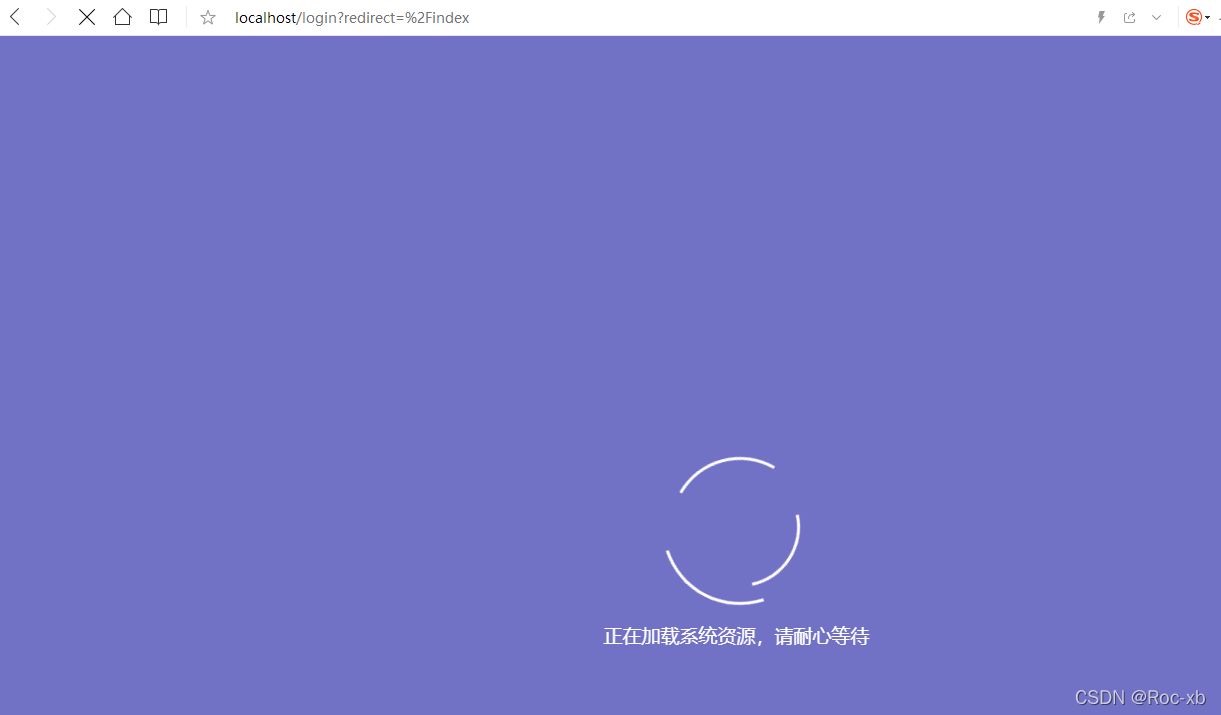
本文告诉你如何去掉若依框架中的系统加载动画
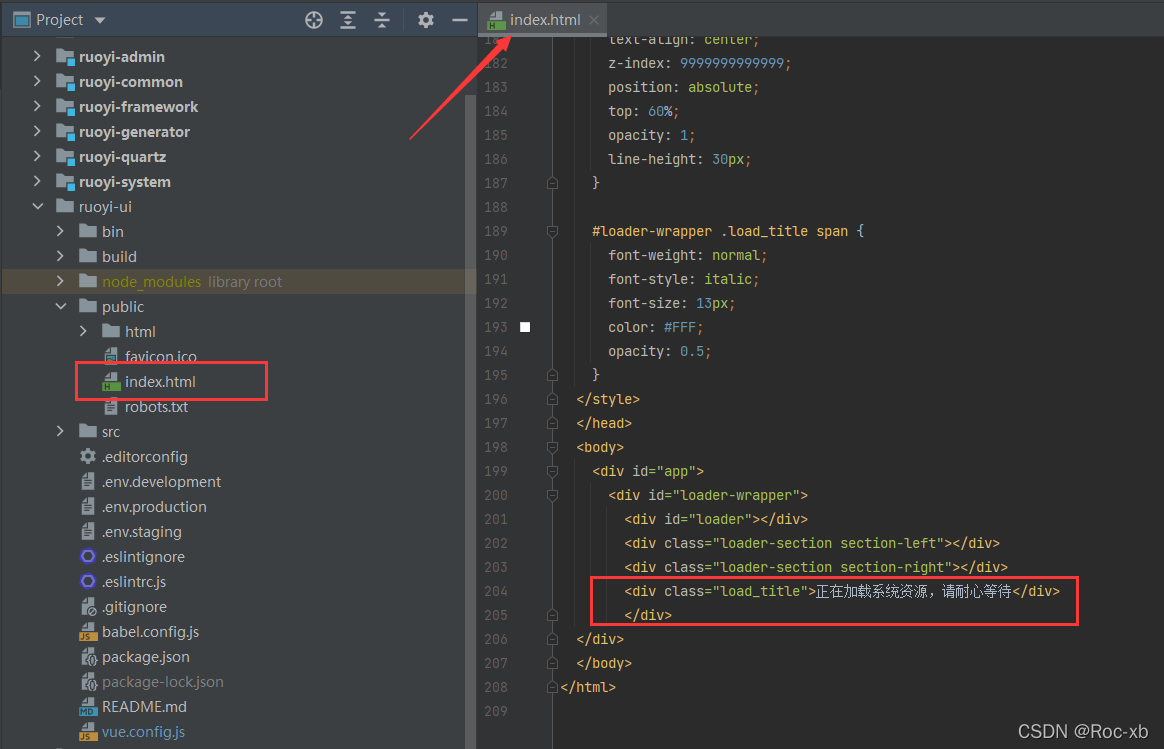
首先在找到ruoyi-ui目录中的public目录下的index.html文件
去掉之后的html文件
<!DOCTYPE html>
<html>
<head>
  <meta charset="utf-8">
  <meta http-equiv="X-UA-Compatible" content="IE=edge,chrome=1">
  <meta name="renderer" content="webkit">
  <meta name="viewport" content="width=device-width, initial-scale=1, maximum-scale=1, user-scalable=no">
  <link rel="icon" href="<%= BASE_URL %>favicon.ico">
  <title><%= webpackConfig.name %></title>
  <!--[if lt IE 11]>
  <script>window.location.href = '/html/ie.html';</script><![endif]-->
  <style>
    html,
    body,
    #app {
      height: 100%;
      margin: 0px;
      padding: 0px;
    }
  </style>
</head>
<body>
<div id="app">

</div>
</body>
</html>
注意:去掉之后,如果页面css,js未加载完成的话,页面会是空白的。利用加载动画可以很好的避免这个问题。

